
You do not need a perfect studio setup to make smart mixing decisions. I have found that one of the biggest mistakes beginners make is waiting for expensive gear before learning how to balance a track properly. If you are asking Can I mix music with regular headphones, the answer is yes, provided you understand what those headphones may exaggerate, hide, or change.
Regular consumer headphones can still help you shape vocals, balance instruments, adjust EQ, control dynamics, and build a convincing stereo image. The challenge is that many models are tuned for enjoyable listening rather than neutral monitoring. That means bass may sound bigger, highs may feel brighter, and stereo width may seem more dramatic than it really is.
Instead of treating that as a reason to stop mixing, I treat it as something to work around. By learning the sound of your headphones, comparing your mix with professional reference tracks, checking mono compatibility, and testing the finished track on cars, phones, earbuds, and speakers, you can make much more reliable decisions even without dedicated studio headphones.
Why Do Regular Headphones Affect Mixing Decisions?
Consumer headphones and studio headphones are usually designed with different goals.
Studio headphones aim to provide a more revealing listening experience so producers can identify frequency imbalances, distortion, harshness, unwanted noise, and other problems. Consumer models often prioritize an enjoyable sound.
That does not mean every pair boosts bass or treble in the same way. However, many commercial headphones emphasize particular frequency ranges.
This creates what I call the bass-boost trap.
Imagine your headphones exaggerate the low end. Your kick and bass may sound powerful even when they are actually too quiet. You reduce them until they sound balanced in your headphones. When you later play the track through neutral speakers or your car audio system, the mix suddenly sounds thin.
The same thing can happen with treble. Bright headphones may convince you to remove too much high-frequency energy, leaving the finished song dull elsewhere.
Why Can Stereo Width Sound Misleading on Headphones?
Headphone mixing also changes how you perceive stereo space.
With speakers, sound from the left speaker reaches both ears, and sound from the right speaker does the same. This natural interaction is sometimes discussed in terms of crossfeed.
Headphones isolate those channels much more strongly. Your left ear primarily hears the left channel, while your right ear hears the right channel.
That can create an unusually wide stereo image.
As a result, you might pan instruments too aggressively, underestimate stereo effects, or make questionable decisions about reverb and delay.
I recommend checking important mixes in mono occasionally. If vocals, guitars, synths, or other key elements suddenly disappear or become weak, your arrangement may depend too heavily on stereo separation or phase relationships.
How Can I Mix Music With Regular Headphones More Accurately?
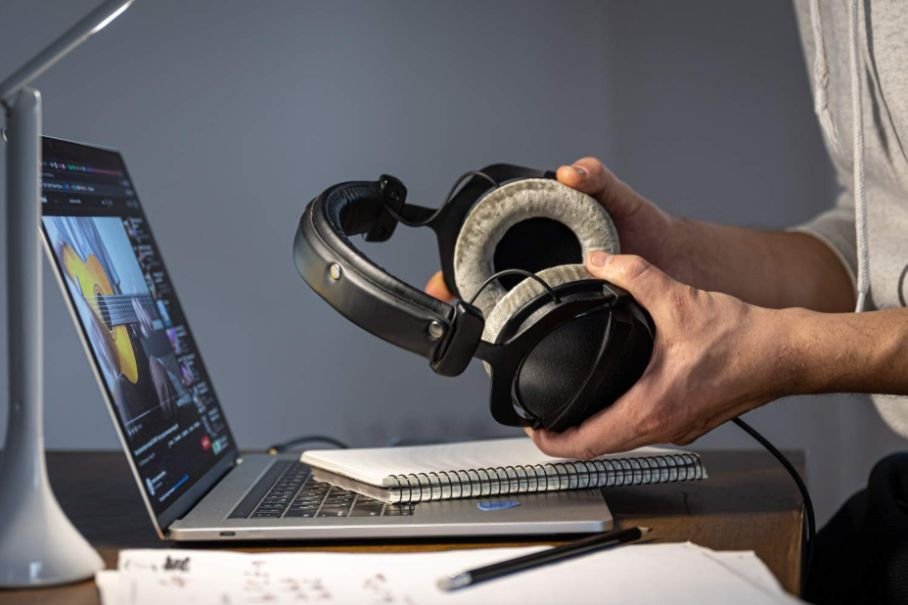
If you are wondering if you can mix music with regular headphones without ruining your mix translation, the most important thing is learning exactly how your headphones sound.
Start by listening to several professionally produced songs you know extremely well. Choose music in a similar genre to what you are producing.
Pay attention to the vocal level, kick, bass, snare brightness, stereo width, and overall tonal balance. Over time, you begin recognizing how a properly mixed song should sound through your particular headphones.
That familiarity can sometimes matter more than immediately buying expensive equipment.
Why Are Reference Tracks So Important?
Reference tracks are one of the most effective tools available to a home producer.
Import a professionally mixed song into your DAW and compare it with your own track. Make sure both tracks play at reasonably similar loudness levels because louder audio often seems more impressive even when it is not better balanced.
Compare the relationship between the bass and kick. Listen to how loud the vocals feel compared with the instruments. Check the brightness of the cymbals and the amount of stereo width.
If the commercial reference sounds extremely bass-heavy through your headphones, that tells you something important about how your headphones reproduce low frequencies.
Instead of trusting the headphones blindly, you are comparing your mix against a known standard through the same listening system.
How Should I Check Mix Translation?
Mix translation describes how well your music holds together when people hear it on different playback systems.
This matters enormously for US listeners because your track may be played through AirPods during a commute, a car stereo on the highway, a Bluetooth speaker at home, laptop speakers, inexpensive earbuds, or a smartphone.
After exporting a mix, I like to listen to it through several everyday devices.
The goal is not to make the song sound identical everywhere. That is impossible because every playback system has its own frequency response.
Instead, listen for major differences.
If the bass disappears completely in your car, the vocal becomes painfully loud through your phone, or the cymbals become harsh through earbuds, those patterns tell you where your mix may need adjustment.
Can Headphone Calibration Software Improve Accuracy?
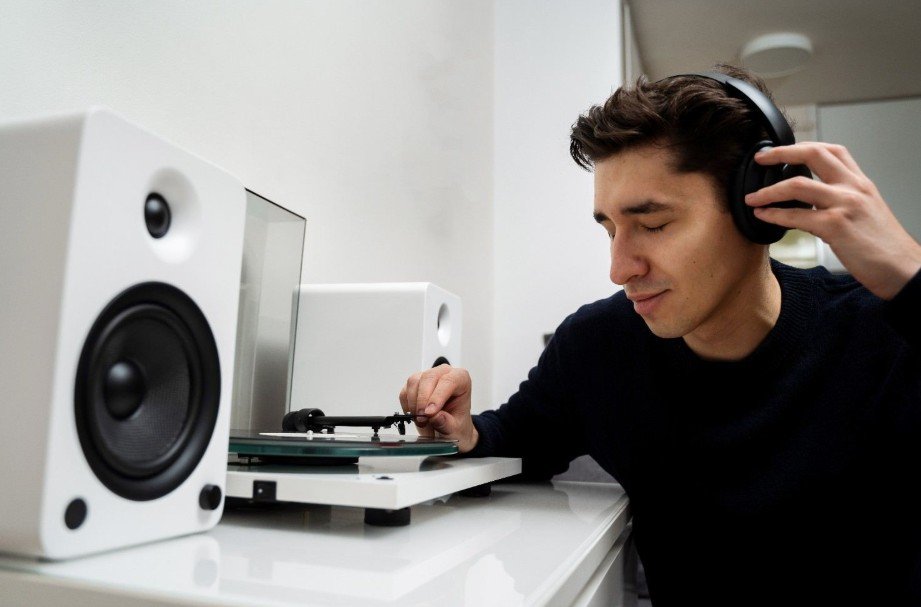
Headphone calibration can help if you want greater consistency without immediately replacing your equipment.
Tools such as Sonarworks SoundID Reference use corrective EQ profiles designed for supported headphone models. The software attempts to reduce frequency-response irregularities so the headphones behave more neutrally.
Systems such as Steven Slate Audio VSX take a different approach by combining specialized headphones with software designed to simulate different monitoring environments.
These tools can be useful, but they are not magic. Calibration does not replace listening skills, reference tracks, or real-world playback checks.
It simply gives you another way to improve monitoring consistency.
Can I Mix With Bluetooth Headphones?
Bluetooth headphones can work for basic mixing and playback checking, but I would avoid relying on them for timing-sensitive production.
Wireless audio can introduce latency. That delay becomes especially noticeable when recording vocals, playing MIDI instruments, or making precise timing edits.
Some wireless headphones can also apply internal processing.
If your headphones support both Bluetooth and a wired connection, I would use the wired option for serious production sessions whenever possible.
Can I Mix With Earbuds or Gaming Headphones?
You can mix with earbuds if they are the only monitoring option available.
Earbuds are especially useful for checking vocals, midrange balance, and how the track might sound to everyday listeners. The main limitation is low-end accuracy and stereo perception.
Gaming headphones can also work, but I recommend disabling virtual surround sound, bass enhancement, and similar effects before mixing.
The fewer additional processing layers between your DAW and your ears, the easier it becomes to make consistent decisions.
Do I Need Studio Monitors to Make a Good Mix?
No.
In fact, poorly positioned studio monitors in an untreated bedroom can sometimes create more problems than a familiar pair of headphones.
For beginners who are still building their setup, how to start music production with just a laptop explains how a DAW, headphones, and software-based tools can be enough to begin producing before investing in additional studio equipment.
Walls, windows, corners, furniture, and desk reflections can exaggerate or cancel certain frequencies.
Headphones eliminate many room-acoustic problems because they deliver sound directly to your ears.
Headphones eliminate many room-acoustic problems because they deliver sound directly to your ears. They can also be useful for producers who are still developing their musical skills, especially when learning how to make melodies without music theory by experimenting with notes, patterns, and sounds directly inside a DAW.
Studio monitors remain extremely useful because they provide a more natural stereo perspective, but you can still develop strong mixing skills without owning them.
How Do I Avoid Ear Fatigue While Mixing?

Long headphone sessions can make it harder to judge your mix accurately, particularly if you listen loudly.
I prefer mixing at a moderate level where I can hear details clearly without feeling pressure in my ears.
Take regular breaks and return to the track with fresh ears. When you come back, you may immediately notice problems that seemed invisible after a long session.
Turning the volume down very low can also help reveal whether the vocal, kick, snare, and main instruments maintain a sensible balance.
When Should I Upgrade to Studio Headphones?
You do not need to upgrade simply because you are beginning music production.
Consider buying studio headphones when you repeatedly struggle with bass translation, want a more predictable frequency response, or begin doing more serious mixing work.
A better monitoring setup can make your job easier, but it cannot replace experience. The same principle applies when deciding do I need a MIDI keyboard for music production, since additional hardware can improve workflow and control but is not a requirement for learning production or creating complete tracks.
Learning one pair of headphones extremely well often produces better results than constantly switching between unfamiliar equipment.
Frequently Asked Questions
1. Can I make professional mixes using consumer headphones?
Yes. Strong mixes are possible when you understand the limitations of your headphones, use reference tracks, compare multiple playback systems, and develop your listening skills.
2. Why does my mix sound good on headphones but bad in my car?
Your headphones and car speakers reproduce frequencies differently. Bass, vocals, stereo width, and high frequencies may therefore change dramatically between the two systems.
3. Are studio headphones necessary for beginners?
No. Beginners can learn EQ, compression, panning, automation, arrangement, editing, and effects using ordinary headphones before investing in professional monitoring equipment.
4. Should I mix on headphones or speakers?
Both provide useful information. Headphones reveal fine details and remove room acoustics, while speakers give you a more natural stereo perspective.
5. Can I mix music with regular headphones and release the song?
Yes. The most reliable approach is to check your finished mix through several listening systems before releasing it. If you understand your headphones, use professional references, control your volume, and test translation, ordinary headphones can become a surprisingly capable mixing tool.
Final Thoughts
I would never tell a new producer to stop creating music until they can afford expensive studio gear. Regular headphones are enough to practice, learn, complete songs, and even build solid mixes.
The real skill is understanding what your listening system exaggerates and what it hides. Learn your headphones, use reference tracks, watch the low end, check stereo compatibility, take listening breaks, and test your work in cars, phones, earbuds, laptops, and speakers.
Once you begin making decisions based on comparison rather than assumption, your equipment becomes much less limiting.
Leave a Reply