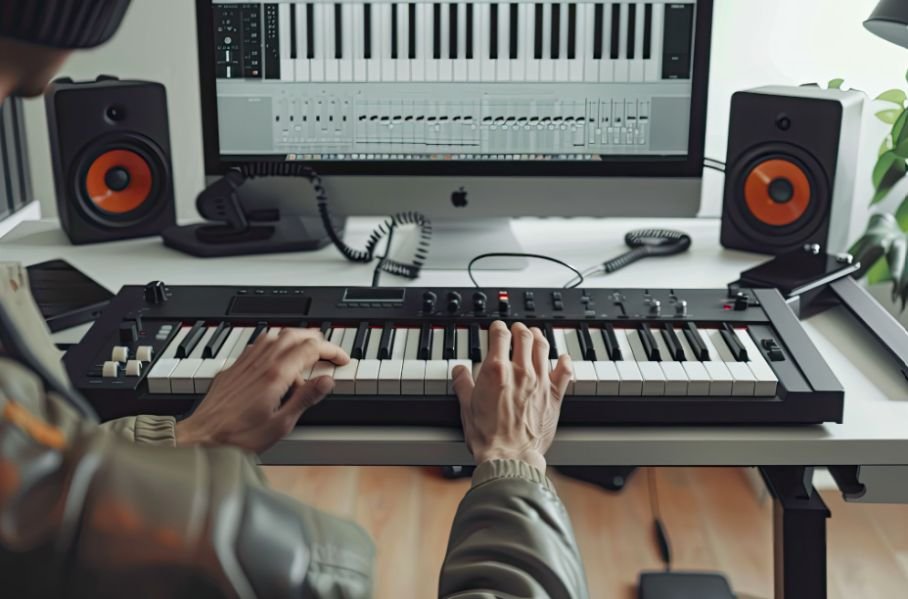
Buying music gear can make beginners feel like they need a full studio before they can create anything worthwhile. I see MIDI keyboards on countless home-studio desks, but that does not mean they are essential. If you are asking Do I need a MIDI keyboard for music production, the real answer depends on how you prefer to write, arrange, and perform your ideas.
You can build complete tracks with a laptop, DAW, mouse, computer keyboard, piano roll, samples, and step sequencer. A MIDI controller simply gives you a more hands-on way to play melodies, test chords, control virtual instruments, and capture expressive performances. For me, the right time to buy one is when clicking notes starts slowing down the creative process.
Can You Produce Music Without a MIDI Keyboard?
Yes. Every major digital audio workstation gives you several ways to write music without physical keys.
The most common method is the piano roll. I can draw MIDI notes directly onto a grid with a mouse, adjust their length, move them to different pitches, change velocity, and copy entire chord progressions. This approach gives me extremely precise control and can actually be easier than live playing when I am creating complex patterns.
Most DAWs also offer musical typing, which lets a regular QWERTY computer keyboard trigger notes. It is not as expressive as a velocity-sensitive MIDI controller, but it is perfectly usable for testing melodies and entering simple musical ideas.
Step sequencers provide another option. Producers making hip-hop, electronic music, trap, or other beat-driven styles can program drums, basslines, and melodic patterns directly on a grid. Sample-heavy production can go even further. I can arrange loops, manipulate recorded audio, trigger drum kits, and build full tracks without playing a traditional keyboard at all.
This is why a MIDI controller should never be considered a requirement for getting started. The same laptop-first approach is useful for beginners wondering how to start music production with just a laptop, since a DAW, piano roll, virtual instruments, samples, and a computer keyboard can provide enough tools to begin creating complete tracks.
What Does a MIDI Keyboard Actually Do?
A MIDI keyboard usually does not produce sound on its own. Instead, it sends MIDI information to a computer, DAW, virtual instrument, or compatible piece of hardware.
When I press a key, the controller can tell my software which note I played, when I played it, how long I held it, and how hard I pressed it. The virtual instrument then turns that information into sound.
That means the same MIDI keyboard can control a piano plugin one minute and a synthesizer, bass, string library, or drum instrument the next.
In practical terms, it works more like an input device for music than a standalone instrument.
Why Do So Many Producers Eventually Use a MIDI Controller?
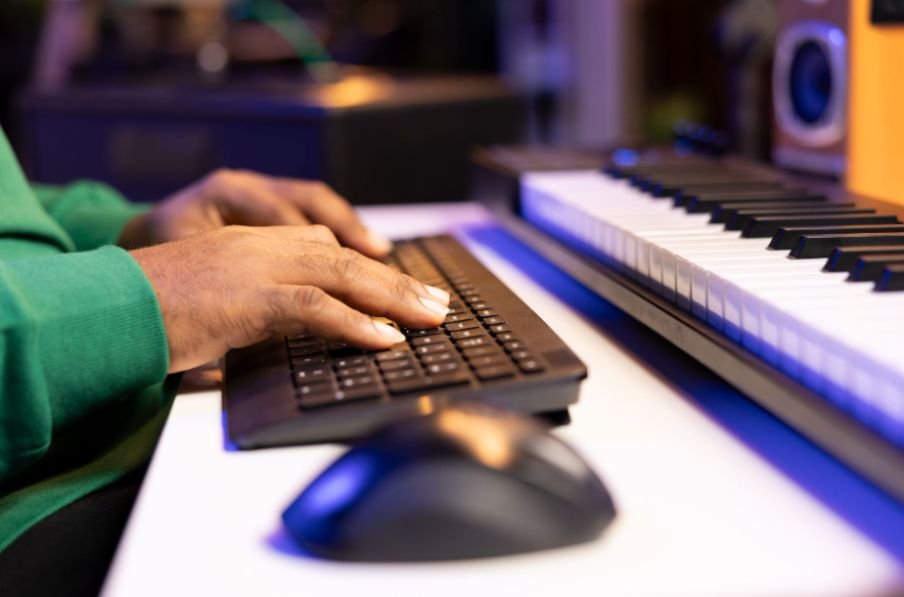
Even though it is optional, a MIDI keyboard can make music production much faster.
Does a MIDI Keyboard Make Writing Melodies Faster?
For me, one of the biggest advantages is speed.
Finding a melody by clicking notes one at a time can interrupt the creative process. When I have physical keys in front of me, I can immediately experiment with melodies, basslines, and chord progressions.
I do not need advanced piano skills. Even knowing where a few notes and basic chords are located can make idea generation more fluid.
This becomes especially valuable when working with virtual instruments because I can audition different sounds while actually playing them.
Can a MIDI Keyboard Make Music Sound More Human?
Yes, particularly when the controller has velocity-sensitive keys.
Velocity records how hard I press a key. A softer press can create a quieter or gentler sound, while a harder press can trigger a stronger response depending on the virtual instrument.
That variation adds human expression to a performance.
If every programmed note has identical velocity and perfectly aligned timing, the result can sound mechanical. I can manually adjust those details in the piano roll, but a live MIDI performance captures many of those variations naturally.
This is especially useful for virtual piano, strings, electric piano, synthesizers, and orchestral instruments.
What Do Pads, Knobs, and Faders on MIDI Keyboards Do?
Modern MIDI controllers often do much more than send keyboard notes.
Many include drum pads that let me tap out rhythms instead of clicking drum hits into a sequencer. Pads can also trigger samples, loops, or clips depending on the DAW.
Assignable knobs allow me to control synth parameters, effects, filters, automation, and other software settings in real time. Faders can control volume, while transport buttons can handle play, stop, and record functions.
Pitch bend and modulation controls provide another layer of expression.
This type of DAW integration can reduce the amount of time I spend reaching for a mouse and make the production process feel more hands-on.
Do Beginners Need a MIDI Keyboard?
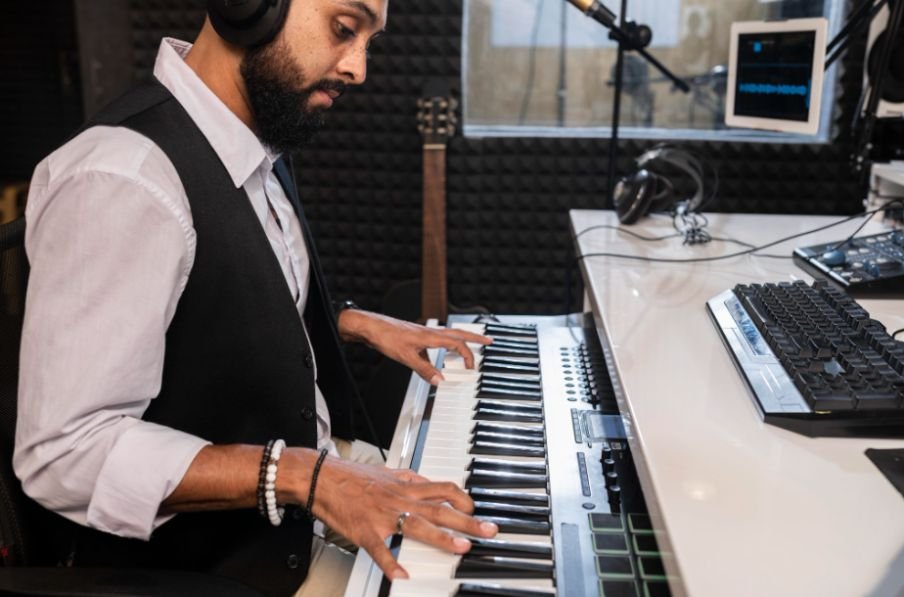
Beginners do not need one immediately.
I would first learn how to navigate a DAW, create MIDI notes, edit audio, arrange tracks, use virtual instruments, program drums, and build basic mixes.
I would first learn how to navigate a DAW, create MIDI notes, edit audio, arrange tracks, use virtual instruments, program drums, and build basic mixes. This foundation is also important when learning how to learn music production from scratch at home, because understanding the DAW and core production workflow should come before deciding which hardware is necessary.
Once I understand how I naturally like to create music, hardware decisions become much easier.
If I constantly find myself wishing I could play melodies instead of drawing them, test chords more quickly, or perform software instruments naturally, then a controller solves a real workflow problem.
If I mostly work with samples, loops, vocals, guitar recordings, or step sequencing, I may not need one at all.
Do You Need to Know Piano to Use a MIDI Keyboard?
No. A MIDI keyboard does not require formal piano training.
I can start by learning basic note positions and simple chord shapes. That alone can make writing music easier.
Over time, using keys can also help me understand scales, intervals, chord construction, and basic music theory because the notes are laid out visually.
Complex two-handed performances are optional. Producers can record one part at a time, fix mistakes afterward, or edit notes inside the piano roll.
Is a 25-Key or 49-Key MIDI Keyboard Better?
A 25-key controller works well for small US home studios, dorm rooms, apartments, and portable laptop setups. It provides enough range for basslines, melodies, simple chords, synth parts, and beat-making.
A 49-key controller gives me more room to play chords and melodies without constantly changing octaves. It is usually more comfortable for someone who uses virtual instruments often or wants to play with both hands.
Larger 61-key and 88-key models make more sense for keyboard-focused musicians, composers, or producers using detailed piano and orchestral arrangements.
The right size depends more on workflow and available space than on experience level.
Should You Buy a MIDI Keyboard Right Away?
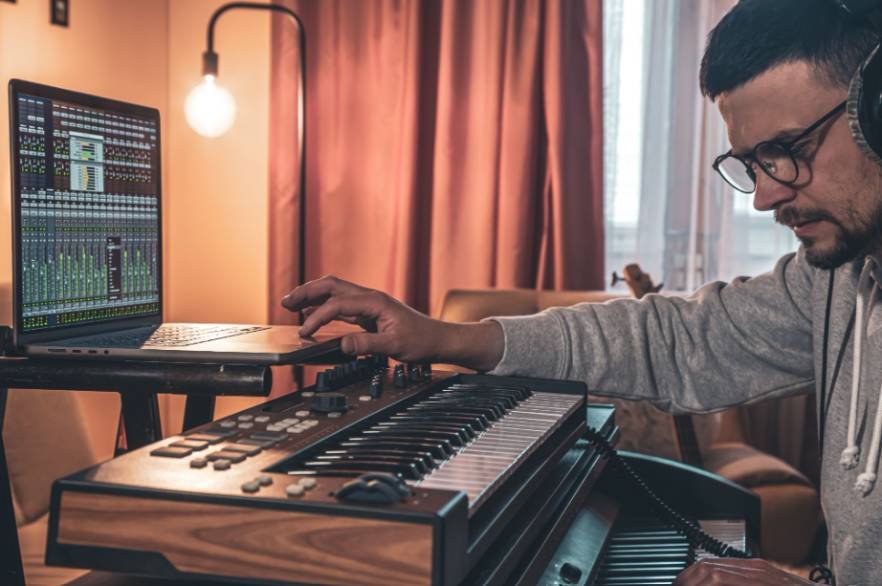
Before spending money, I would try producing several tracks without one.
Use the piano roll. Try musical typing. Build beats with a step sequencer. Arrange samples. See which part of the process feels slow.
See which part of the process feels slow. The same workflow mindset applies when evaluating playback quality, since understanding why does my mix sound different in the car can help producers identify whether their monitoring setup, mix balance, or listening environment is affecting how a track translates outside the studio.
If manually entering notes starts holding back your ideas, a MIDI keyboard may be a worthwhile upgrade.
The purpose of music-production gear should be to remove friction, not simply to make a studio look more professional.
Frequently Asked Questions
1. Can I Make Professional Music Without a MIDI Keyboard?
Yes. Producers can create complete professional tracks using a DAW, mouse, samples, computer keyboard, piano roll, and step sequencer. A MIDI keyboard improves workflow but does not determine production quality.
2. Do I Need a MIDI Keyboard for Music Production as a Beginner?
If you are asking Do I need a MIDI keyboard for music production, I would start without one unless playing melodies and chords is central to your workflow. Learn your software first, then buy hardware when you understand what would genuinely improve your process.
3. Can I Use My Laptop Keyboard Instead of a MIDI Keyboard?
Yes. Many DAWs let you use a laptop keyboard as a basic musical keyboard. It works for entering notes and testing ideas, although it does not provide velocity sensitivity, pads, modulation controls, or the range of a dedicated controller.
4. Is a MIDI Keyboard Useful for Beat Making?
Yes, especially if it includes drum pads. You can use it to play drum patterns, basslines, melodies, chords, and samples. However, beat makers can also work entirely with a mouse and step sequencer.
5. Does a MIDI Keyboard Make Sound by Itself?
Most MIDI controllers do not have built-in sounds. They send MIDI data to software instruments or external hardware that creates the audio.
Final Thoughts
When someone asks me whether I need a MIDI keyboard for music production, I think the most useful answer is to start making music with what you already own.
A computer, DAW, mouse, piano roll, musical typing, step sequencer, and samples can take you surprisingly far. There is no need to delay learning music production because your home studio does not include a keyboard controller.
However, once clicking notes starts slowing you down, a MIDI keyboard can become one of the most useful tools in your setup. It can speed up songwriting, make virtual instruments more expressive, improve DAW control, and help musical ideas feel more immediate.
Buy one because your workflow needs it, not because you think every producer is supposed to have one.
Leave a Reply