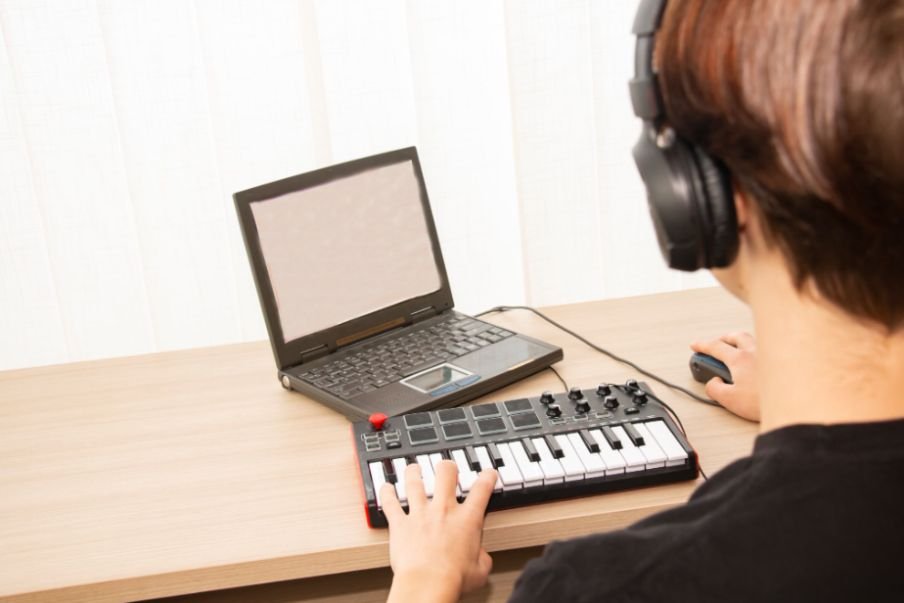
A blank DAW project can feel overwhelming at first, especially when every music production setup online seems packed with expensive gear. The reality is much simpler. You can make your first beat, build melodies, arrange a full track, and start learning the fundamentals without owning a studio full of equipment.
If you are trying to learn how to start music production with just a laptop, the most important thing is knowing how to use the tools already available to you. A DAW, stock virtual instruments, built-in effects, samples, and headphones can give you everything you need to begin creating music from home.
I find this approach especially useful for beginners because it removes the pressure to buy gear before developing actual production skills. Instead of worrying about what equipment comes next, you can focus on making music, finishing songs, and improving one project at a time.
What Do You Actually Need to Produce Music on a Laptop?
Your beginner music production setup can stay extremely simple. You need a laptop capable of running your chosen DAW, music production software, and a way to hear your project.
You do not initially need studio monitors, an audio interface, a MIDI controller, or a microphone if you plan to work entirely “in the box.” This means your drums, synthesizers, bass, samples, effects, MIDI, and arrangement all exist inside the computer.
Even regular wired headphones can work while you learn. Upgrade only when your current equipment creates a genuine limitation.
Which DAW Should a Beginner Choose?
A DAW, or digital audio workstation, is essentially your virtual recording studio. Most major DAWs can record, arrange, edit MIDI, run virtual instruments, process effects, mix tracks, and export finished music. The better choice is usually the software that fits your computer and feels intuitive to you.
GarageBand for Mac Beginners
GarageBand is one of the easiest places to start if you already own a Mac. It offers virtual instruments, loops, effects, drums, and recording tools without requiring an additional software purchase.
FL Studio for Beat Making
FL Studio is widely used for electronic music, trap, hip-hop, and beat production. Its pattern-based workflow makes creating drums, melodies, and loops approachable for beginners.
Ableton Live for Electronic Production
Ableton Live works well for electronic music, sampling, looping, arrangement, and live performance. Ableton currently offers a free Live Suite trial before you decide whether a paid edition makes sense for you.
Cakewalk Sonar for Windows
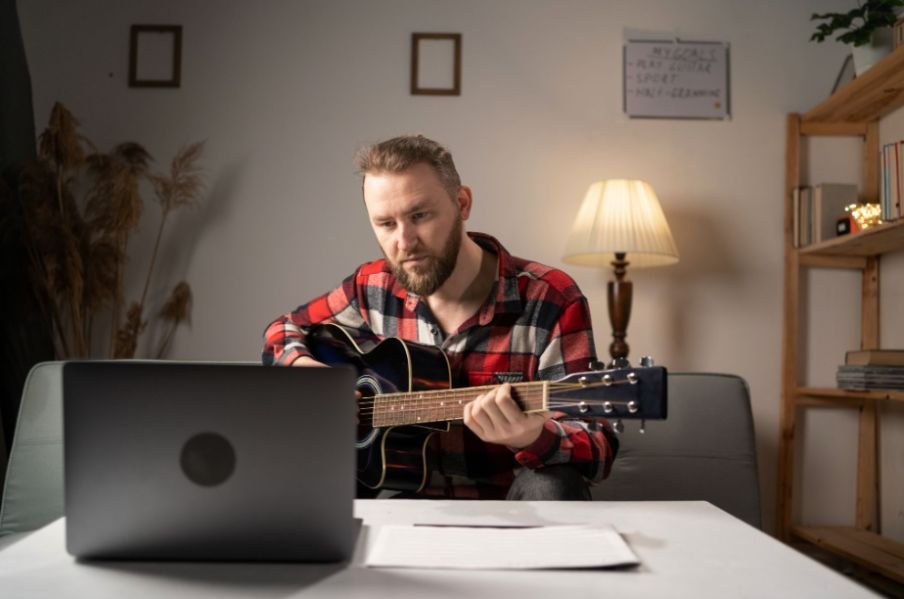
Older tutorials often recommend Cakewalk by BandLab. That version has been replaced by Cakewalk Sonar. A free Sonar tier now provides the core DAW functionality, while additional features are available through BandLab Membership.
REAPER for a Flexible Setup
REAPER supports Windows, macOS, and Linux and includes MIDI recording, editing, mixing, mastering, and multitrack audio tools. It currently offers a fully functional 60-day evaluation, with a discounted license available for qualifying individual users.
I would choose one DAW and stay with it long enough to learn its workflow rather than constantly switching between programs.
How Can You Make Music Without a MIDI Keyboard?
One of the biggest misconceptions about laptop music production is that you need a physical keyboard to compose.
You do not.
If you want to explore creating music without traditional instruments altogether, you can also learn how to make music without any instruments using software-based tools, MIDI, samples, and virtual instruments.
Use the Piano Roll
The piano roll is a grid inside your DAW where you can draw MIDI notes with your mouse or trackpad. You control the pitch, timing, duration, and velocity of individual notes.
That means you can program bass lines, melodies, chords, and drum patterns without physically playing an instrument.
Turn Your Laptop Keyboard Into an Instrument
Many DAWs also allow your computer’s QWERTY keyboard to trigger musical notes. It will not feel exactly like a piano, but it is enough for experimenting with melodies and rhythms.
A MIDI controller becomes useful later if physically playing notes improves your workflow. It is not a requirement for starting.
Should Beginners Buy Plugins and Virtual Instruments?
I recommend using your DAW’s stock tools first.
Most modern music production software includes synthesizers, drum samplers, EQ, compression, reverb, delay, distortion, and other essential effects. These tools can teach you the fundamentals without sending you into an endless cycle of downloading plugins.
If you cannot yet explain why you need another compressor, synthesizer, or EQ, you probably do not need to buy one.
Mastering a small collection of stock plugins usually develops better production habits than owning hundreds of tools you barely understand.
Where Can Beginners Find Samples for Music Production?
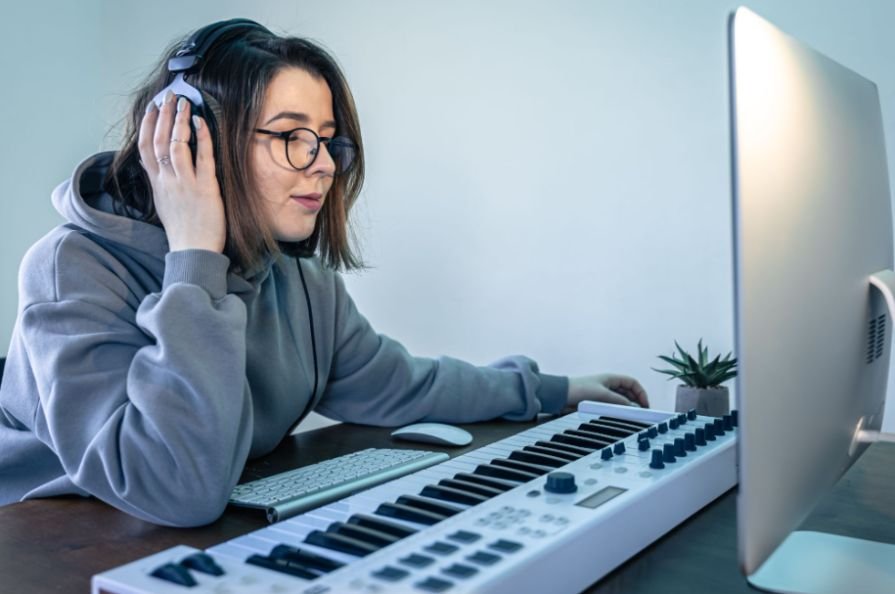
Samples can make laptop-only production much easier because you do not have to record every sound yourself.
Royalty-free sample libraries can provide kicks, snares, percussion, bass sounds, effects, and instrument loops. Platforms such as Ghosthack offer free sample packs, while producer communities can help you discover additional sounds.
Always check the licensing terms before commercially releasing music made with downloaded samples. “Free download” does not automatically mean unrestricted commercial use.
How Do You Build Your First Beat?
Once your DAW is installed, open a blank project instead of spending another week watching setup videos.
Choose a tempo in BPM and create a simple four-bar drum pattern. Start with a kick, snare, and hi-hat. Add a basic bass rhythm underneath it, then create a small melody or chord progression with a stock virtual instrument.
Do not worry about making the loop complex. Your first objective is understanding how rhythm, bass, and melody work together.
Once the loop sounds reasonable, resist the temptation to add fifteen more sounds.
How Do You Turn a Short Loop Into a Complete Song?
Many new producers can create eight good bars but struggle to make a full track.
The solution is arrangement.
Duplicate your core musical idea along the DAW timeline and create variation. Start with fewer instruments, introduce additional elements gradually, build toward a fuller section, remove parts during a breakdown, and bring the central idea back before ending the track.
Your first finished song does not need a sophisticated structure. A short intro, main section, variation, and ending can teach you more than dozens of unfinished loops.
Do You Need an Audio Interface?
Not if you are producing entirely with MIDI, samples, virtual instruments, and headphones.
An audio interface becomes important when you want to connect an XLR microphone, guitar, studio monitors, or other external audio equipment.
If you are still deciding whether you need one, you can learn more about whether you can produce music without an audio interface before investing in additional hardware.
Until then, your laptop’s built-in audio hardware can be enough to learn production.
Can You Mix Music on Laptop Speakers?
You can begin on laptop speakers, but they have limitations. Small built-in speakers often struggle to reproduce deep bass and may not reveal subtle balance problems.
For that reason, headphones are one of the more useful early upgrades when your current listening setup becomes limiting. Popular monitoring-oriented options include models such as the Audio-Technica ATH-M50x and Sennheiser HD 280 Pro, although you do not need either specific model to begin.
I also recommend checking an exported mix on several systems. Listen through earbuds, headphones, laptop speakers, a phone, and your car stereo if available. If the balance survives several playback environments, you are learning an important mixing skill.
How Should a Beginner Learn Music Production Faster?
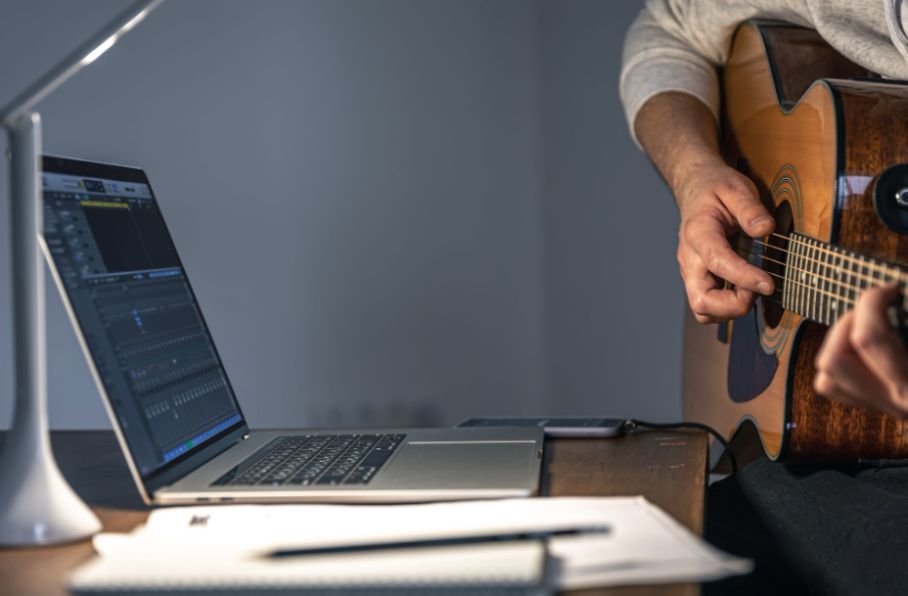
Tutorials work best when they solve a problem you currently have.
If you are starting from the beginning, learning music production from scratch at home can give you a structured way to build your DAW, composition, arrangement, and mixing skills step by step.
Instead of watching random hours-long production videos, search for specific lessons such as “how to make a beat in FL Studio” or “how to arrange a song in Ableton Live.” Beginner-focused channels such as In The Mix can also help you understand DAW workflows, EQ, compression, mixing, and related production concepts.
Most importantly, apply what you learn immediately.
Watching someone create twenty songs will not teach you as much as struggling through your own first five.
Frequently Asked Questions
1. Can I learn how to start music production with just a laptop without knowing music theory?
Yes. You can create beats and songs using MIDI, piano rolls, samples, loops, and virtual instruments before learning advanced music theory. Learning scales, chords, rhythm, and song structure gradually will make composing easier.
2. Can I make professional-quality music on a laptop?
Yes. Modern laptops can run professional DAWs, plugins, synthesizers, samples, and mixing tools. Your production decisions, arrangement, sound selection, and mixing skills matter more than owning a large studio.
3. Do beginners need studio monitors?
No. Headphones can be enough while you learn production and basic mixing. Studio monitors become more useful when you have an appropriate listening space and need a more dedicated mixing environment.
4. What music production skills should I learn first?
I would focus first on rhythm, MIDI editing, sound selection, basic chords and melodies, arrangement, volume balancing, EQ, compression, reverb, and automation. Advanced mixing and mastering can come later.
Start Making Music Before Building a Studio
When I look at beginner music production, the biggest obstacle is rarely equipment. It is waiting for the ideal setup.
Your laptop already gives you access to a DAW, piano roll, virtual instruments, synthesizers, effects, samples, automation, and mixing tools. That is enough to create your first complete track.
Start with a simple beat. Add bass and melody. Turn the loop into an arrangement. Balance the tracks, apply a few basic effects, and export the result.
Your early songs may not sound like commercial releases, and that is completely normal. Each finished project teaches you what to improve next.
Build your skills first. Your studio can grow when your music actually gives you a reason to
Leave a Reply