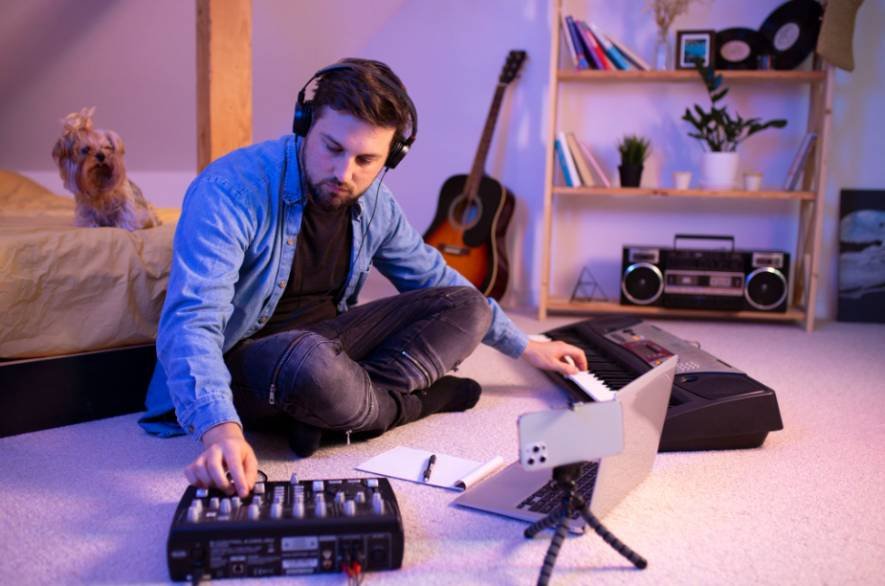
A song can begin long before you touch a guitar, piano, or drum kit. It can start with a beat tapped on a table, a melody hummed into your phone, or a simple loop arranged on a laptop. That is why learning how to make music without any instruments has become much more practical for beginners who want to create without investing in traditional gear.
Today, I can build drums digitally, draw melodies with a mouse, layer my own voice, reshape everyday sounds, and arrange loops or samples into a complete track. The tools are easier to access than ever, but the real skill comes from learning how to turn simple ideas into music that feels structured, intentional, and original.
What Do You Need to Start Making Music?
I would keep the setup simple. A laptop gives you more screen space, but a smartphone or tablet can also handle recording, beat-making, MIDI editing, and basic mixing.
If you want a more detailed starting point, learning how to start music production with just a laptop can help you build your first setup without investing in unnecessary equipment.
GarageBand offers touch instruments, loops, samples, and Live Loops, while BandLab provides web and mobile production tools, virtual instruments, loops, audio recording, and MIDI editing.
Headphones are useful, but you do not need an audio interface, MIDI keyboard, studio monitors, or professional microphone to begin.
Which No-Instrument Production Method Should You Choose?
Can You Make a Full Song in a DAW?
Yes. A digital audio workstation, or DAW, works like a virtual studio. You can arrange drum loops, bass parts, synth sounds, vocals, and effects on a timeline.
GarageBand suits Apple users, while BandLab works across web and mobile. BandLab also supports looping audio and MIDI regions, making it easy to repeat ideas while building an arrangement.
Start with one drum pattern and one melodic idea instead of filling your project with unnecessary tracks.
Can You Draw Melodies With a Mouse?
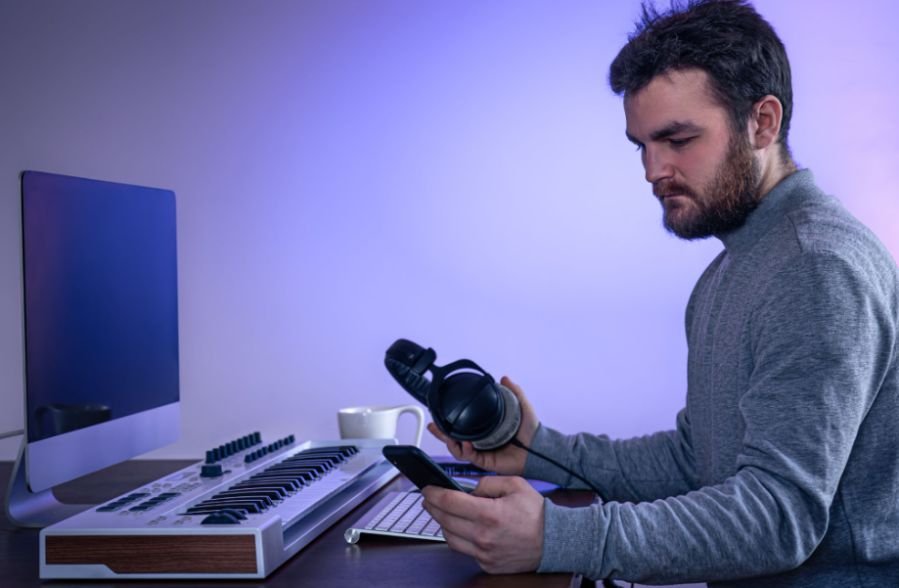
A MIDI piano roll lets you create music visually. Instead of playing a keyboard, you click or tap notes onto a grid, then change their length, timing, and pitch.
GarageBand, for example, includes a Piano Roll Editor for adding, editing, transposing, and quantizing MIDI notes.
Some software also offers scale-related assistance and quantization, which can make experimentation easier even if you do not know much music theory yet.
Can Your Voice Replace Traditional Instruments?
Your voice can become melody, rhythm, bass, or texture. Record a rough hum into a phone, then layer harmonies, beatbox percussion, clap, snap, or add body percussion.
Pitch shifting and effects can transform those recordings. A lowered vocal hum can become a bass-like layer, while chopped vocal recordings can become rhythmic samples.
This method works particularly well when you have melodies in your head but cannot reproduce them on a keyboard or guitar.
Can Household Sounds Become Music?
Almost any clean recording can become a sample.
A desk tap can work as percussion, keys can create metallic accents, and a cardboard box can produce a kick-like sound. Record the sound with your phone, import it into your DAW, trim it, adjust the pitch, and add effects.
Using everyday sounds can also help your tracks develop an identity instead of relying entirely on stock sounds.
How Do Loops and Samples Help Beginners?
Loops are prerecorded musical sections designed to repeat, while samples can be individual sounds or longer clips. They let you arrange music quickly instead of composing everything from scratch.
Start with a drum loop, then add a compatible bass or melodic part. After that, edit the material rather than leaving everything untouched. Change the timing, shift the pitch, shorten sections, remove elements, and apply effects.
BandLab, for example, allows creators to drag, drop, slice, and arrange audio and MIDI loops.
Check the license attached to external loops or samples before releasing music commercially.
Can You Make Music in a Browser?
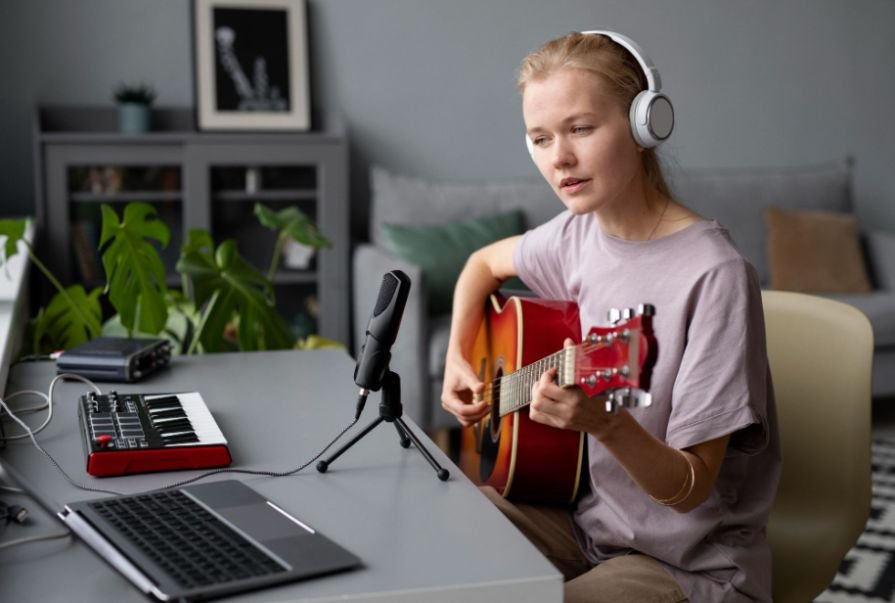
Yes. Browser-based music makers provide one of the easiest ways to experiment without installing full production software.
Chrome Music Lab’s Song Maker lets users create songs through an interactive browser-based interface, and Chrome Music Lab works across phones, tablets, and laptops.
These tools are useful for understanding melody, rhythm, repetition, and basic song construction before moving into a professional DAW.
Can AI Create Music Without Instruments?
AI music generators provide another option for beginners who want to experiment with musical ideas.
Platforms such as Suno and Udio can generate music from written descriptions. You can describe the genre, mood, theme, instrumentation, or lyrical concept you want. Suno supports prompt-based song generation, while Udio allows prompts describing elements such as genre, mood, tempo, instruments, and subject matter.
You can also explore whether you can produce music without an audio interface before deciding whether additional recording hardware is necessary.
I would treat AI as a creative tool rather than a replacement for production skills. It can help you test ideas quickly, while arrangement, editing, songwriting, and creative judgment still matter.
How Do You Turn a Short Loop Into a Full Song?
Many beginners successfully create an eight-bar loop but struggle to turn it into a complete track.
I solve this by thinking in sections.
Duplicate your main loop across the timeline. Let the introduction use only a melody or atmospheric sound. Bring drums and bass into the verse. Add more layers to create a stronger chorus. Then remove elements again before rebuilding the energy.
This simple arrangement technique can make one musical idea feel like a complete song without requiring dozens of new melodies.
How Can You Make Your First Song Step by Step?
Start by choosing a tempo and creating or selecting a basic drum pattern.
Next, add one melody by humming it, drawing MIDI notes, using a virtual instrument, or adapting a loop.
This step-by-step approach is also useful when you are learning music production from scratch at home, especially when building your first complete track.
Add a simple bass part underneath it.
Once your main idea works, duplicate it across the timeline and create an intro, verse, chorus, and ending. Add vocals, household samples, or additional textures only when they improve the track.
Finally, balance your track volumes, make basic effect adjustments, and export the finished audio.
For anyone learning how to make music without any instruments, finishing one simple song is usually more valuable than endlessly polishing an unfinished eight-bar loop.
Do You Need Music Theory to Produce Music?
No. Music theory is useful, but you do not need to master scales, chords, or notation before creating your first track.
I prefer learning theory alongside production. Start with tempo, rhythm, scales, chords, and basic song structure. When you encounter a problem in your own music, learn the theory that helps you solve it.
That approach keeps music theory practical instead of making it another barrier to getting started.
Frequently Asked Questions
1. What is the easiest way to learn how to make music without any instruments?
Start with a beginner-friendly DAW, create a basic drum pattern, and add one melody through a loop, MIDI piano roll, virtual instrument, or your voice. Finish a short song before worrying about advanced mixing or expensive equipment.
2. Can I make professional music using only a laptop?
Yes. A laptop can handle virtual instruments, MIDI, loops, vocal recording, arrangement, mixing, and exporting. Additional equipment can improve your workflow later, but it is not necessary when you are learning.
3. Can I make a song using only my phone?
Yes. Mobile music production apps can record vocals, trigger loops, edit MIDI, program beats, arrange song sections, and mix tracks. A smartphone can provide enough tools to learn the fundamentals of digital music production.
4. Do I Need to Know Piano to Use Virtual Instruments?
No. You can draw notes directly into a piano roll using a mouse or touchscreen. Learning basic keyboard layout later may make production faster, but it is not required when you are starting.
Final Takeaway
I would not wait until I owned the “right” instrument or studio setup before creating music. Modern production gives you many ways to turn an idea into sound.
You can hum melodies, program drums, draw MIDI notes, arrange loops, manipulate samples, record household objects, create music in a browser, or experiment with AI-assisted production.
I would start small and focus on completing one track. Once you understand rhythm, melody, arrangement, and basic mixing, equipment becomes an upgrade rather than a requirement.
Leave a Reply