
You open your DAW, load a drum kit, add a virtual synth, plug in your headphones, and start building a track. At that point, you may wonder whether an audio interface is actually necessary—or whether it is just another piece of gear people assume every producer should own.
If you are asking if you can produce music without an audio interface, the answer is yes. You can create beats, arrange songs, work with MIDI, use VSTs, layer samples and loops, mix with headphones, and export finished music using your computer’s built-in audio system.
For beginners in the US building a home or bedroom studio, this means you can start making music without buying extra hardware immediately. The real question is not whether you can produce without an interface, but how far your current setup can take you before recording, monitoring, and connectivity limitations start to matter.
Do You Need an Audio Interface for Music Production?
You do not need an interface if you produce mainly “inside the box.” This means your music stays inside your computer and digital audio workstation rather than coming from microphones, guitars, or external synthesizers.
You can program drums, write melodies, use VST instruments, manipulate samples, arrange songs, apply effects, mix tracks, and export completed music without separate audio hardware. DAWs such as FL Studio, Ableton Live, Logic Pro, and GarageBand can work with your computer’s existing sound system.
For electronic music, hip-hop, trap, pop demos, lo-fi, and other sample-based production, that setup can be enough to start making complete tracks.
What Can You Produce Without an Audio Interface?
Can You Make Beats and Electronic Music Without One?
Yes. Beat making and electronic music rely heavily on MIDI, samples, virtual synthesizers, drum machines, loops, and effects plugins. None of these automatically requires an audio interface.
A USB MIDI keyboard can normally connect straight to your computer. MIDI carries performance information rather than recorded audio, so your DAW uses that information to trigger virtual instruments. You can even create melodies directly in your DAW’s piano roll without owning a MIDI controller.
Can You Mix Music Using Only Headphones?
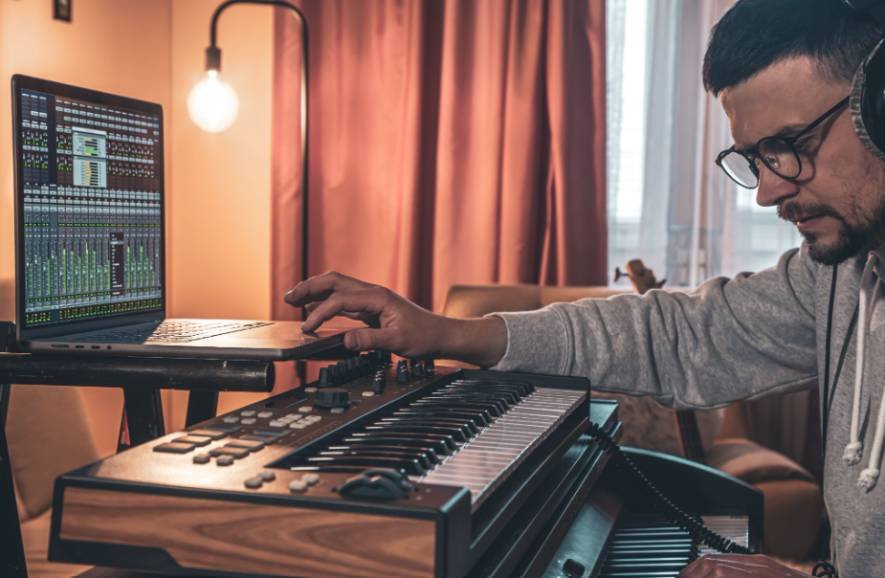
Yes. You can connect wired headphones directly to your computer’s headphone output and monitor your DAW.
USB headphones can also work, but I would avoid relying heavily on Bluetooth headphones for production. Wireless connections can introduce noticeable audio latency, which can make recording or playing virtual instruments uncomfortable.
A dependable pair of wired studio headphones gives beginners a relatively affordable way to monitor and mix before investing in studio monitors.
Can You Record Vocals Without an Audio Interface?
You can record vocals without a traditional interface if you use a USB microphone.
A USB microphone converts the signal internally and sends digital audio directly to your computer. This setup can work well for demos, songwriting, vocals, voiceovers, and other basic recording tasks.
Your laptop’s built-in microphone can technically record too, although background noise, room acoustics, and microphone quality may limit the result.
An XLR studio microphone changes the situation. Most XLR microphones need a microphone preamp and analog-to-digital conversion, while many condenser microphones also require 48-volt phantom power. An audio interface conveniently provides these features.
Can You Record Guitar Without an Audio Interface?
Direct guitar recording is one area where an interface becomes considerably more useful.
Electric guitars normally use a quarter-inch instrument connection, while most computers do not provide the proper high-impedance input needed for direct guitar recording.
You can sometimes work around this limitation with a USB-equipped amplifier, USB guitar adapter, or another compatible digital recording device. However, if guitar or bass becomes a regular part of your music production workflow, an interface with an instrument input generally provides a cleaner and more flexible setup.
How Can You Reduce Audio Latency Without an Interface?
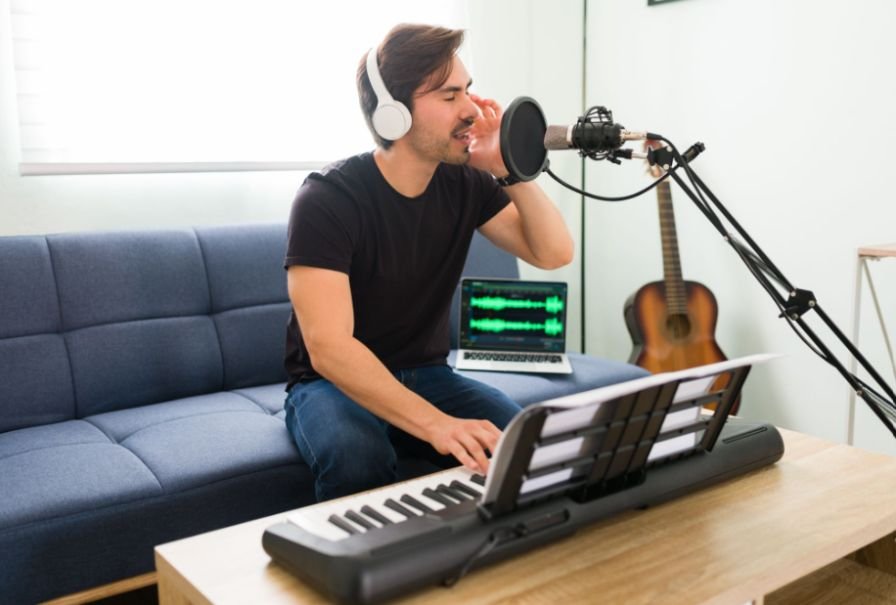
Latency is the delay between performing an action and hearing the result. You may notice it when playing a MIDI keyboard, recording vocals, or monitoring audio through your DAW.
On a Windows PC, an ASIO-based audio driver can help reduce latency compared with some standard Windows audio configurations. FL Studio includes FL Studio ASIO, while ASIO4ALL can work with many built-in audio devices.
Mac users generally work through Apple’s Core Audio system, which is integrated into macOS and designed for high-performance, low-latency audio.
Your audio buffer size also matters. A smaller buffer can make your virtual instruments feel more responsive, but going too low can increase CPU usage and produce clicks, pops, or audio dropouts. I prefer lowering the buffer gradually until I find a setting that feels responsive without making the system unstable.
What Are the Disadvantages of Producing Without an Audio Interface?
The biggest limitations usually appear as your home studio grows.
Built-in computer audio provides fewer options for XLR microphones, electric guitars, external synthesizers, multiple simultaneous inputs, and professional studio monitor connections.
Dedicated interfaces can provide microphone preamps, instrument inputs, balanced outputs, headphone amplification, low-latency drivers, and better analog-to-digital and digital-to-analog conversion.
However, an interface does not magically improve everything inside your DAW. If your song consists completely of MIDI, VSTs, samples, loops, and plugins, simply connecting an interface will not automatically make the exported track professional.
Its biggest advantages come from improved recording, monitoring, connectivity, and workflow.
As your production skills evolve, learning how to discover new indie artists can broaden your exposure to diverse sounds, styles, and production techniques that you can draw upon for creative inspiration.
As you continue refining your production skills, understanding where to find new independent music can broaden your exposure to diverse artists, distinctive sounds, and innovative production approaches worth exploring.
Can You Use Studio Monitors Without an Audio Interface?
Sometimes, but using an interface generally makes the setup easier.
Many powered studio monitors use balanced TRS or XLR connections. Balanced connections can help reduce unwanted noise while giving you a convenient way to control monitor levels.
If you currently produce entirely through headphones, you may not need to worry about this. Once your US home studio expands to include monitors, microphones, guitars, or external instruments, an interface becomes much more valuable.
When Should You Buy an Audio Interface?
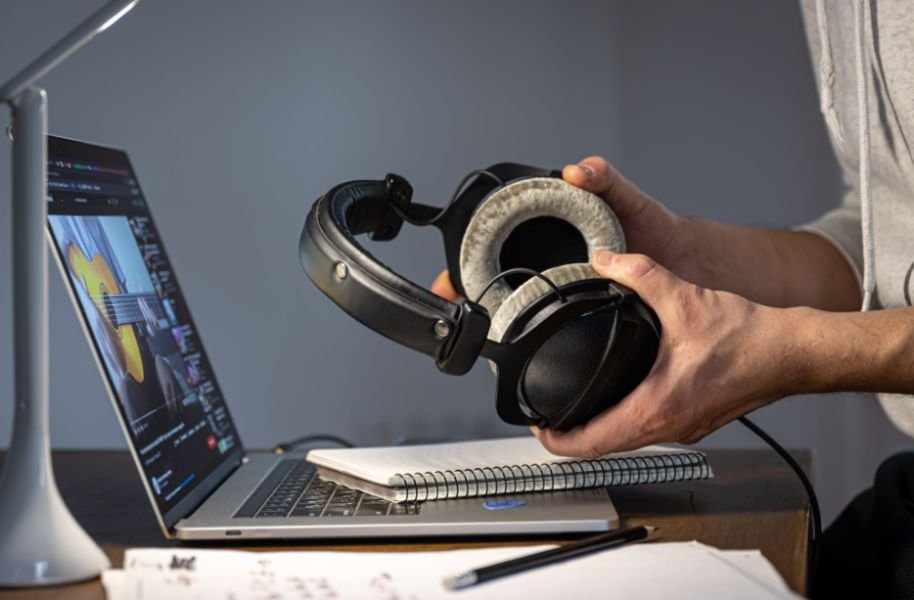
I would buy an interface when my existing setup starts preventing me from making the music I want.
If you want to use an XLR microphone, plug an electric guitar directly into your DAW, connect studio monitors properly, record hardware synthesizers, or monitor live recordings with lower latency, an interface starts making practical sense.
If you currently produce with MIDI, software instruments, samples, loops, and headphones, focus first on developing your skills in arrangement, sound selection, EQ, compression, automation, and mixing.
Gear should solve an actual production problem rather than simply make your desk look more like a professional studio.
For producers working independently, supporting independent musicians can also mean discovering their releases, purchasing their music, attending their shows, and engaging with their work.
Frequently Asked Questions
1. Can I Make Professional Music Without an Audio Interface?
Yes. A software-based producer can compose, arrange, mix, and export high-quality tracks using a computer, DAW, virtual instruments, samples, plugins, and headphones. External recording and professional monitoring are usually what make an interface more important.
2. Do I Need an Audio Interface for a MIDI Keyboard?
Usually not. Most modern USB MIDI keyboards connect directly to a computer and send MIDI information to the DAW without passing through an audio interface.
3. Can I Use FL Studio Without an Audio Interface?
Yes. FL Studio can use your computer’s built-in audio hardware. Windows users can also use compatible ASIO drivers to improve latency and responsiveness.
4. Does an Audio Interface Improve Sound Quality?
It can improve recording and monitoring through better converters, microphone preamps, headphone outputs, and connections. However, it does not automatically improve virtual instruments or a digital mix simply because the interface is connected.
5. Do Beginners Need an Audio Interface for a Home Studio?
No. A capable computer, DAW, and wired headphones can provide everything many beginners need to start learning music production. You can add an interface later when your recording and monitoring requirements grow.
Final Takeaway
When I look at what a new producer actually needs, I would rather see someone start creating music than delay learning because they think expensive hardware is mandatory. The answer to whether you can produce music without an audio interface is yes, especially when you work inside the box using MIDI, VSTs, samples, loops, plugins, and headphones.
An interface becomes valuable when you start recording microphones and guitars, adding hardware instruments, connecting studio monitors, or needing reliable low-latency monitoring. Until that point, the computer you already own may give you everything you need to start creating and finishing music.
Leave a Reply