
There is a specific kind of frustration that hits when a vocal sounds strong while you are singing, then suddenly feels dull, buried, or lifeless during playback. I have found that this usually happens because something in the recording chain is removing clarity before the mix even has a chance to help.
If you are asking why my recorded vocals sound muffled, the real cause may be microphone distance, low-mid buildup, poor room acoustics, off-axis recording, aggressive noise suppression, or frequency masking from other instruments.
Instead of blindly adding treble, I prefer to trace where the problem begins and fix that stage first. That approach produces a cleaner, more natural vocal and avoids the harsh, overprocessed sound that often comes from trying to brighten a bad recording with EQ alone.
What Makes Recorded Vocals Sound Muffled?
A muffled vocal usually has too much low-mid energy and not enough definition in the frequencies that help words sound clear.
You may hear people describe the same problem as muddy vocals, boxy vocals, dark vocals, or vocals that lack presence. Although those terms are slightly different, they often overlap.
The 200 Hz to 500 Hz region commonly contributes to vocal muddiness. However, I would never automatically cut that entire range. Every singer, microphone, and recording space sounds different, so the goal is to locate the actual problem rather than follow a preset blindly.
Can Standing Too Close to the Microphone Make Vocals Muddy?
Yes. Microphone distance is one of the first things I check.
Directional microphones, particularly cardioid models, can produce a stronger bass response when the singer moves very close to the capsule. This is known as the proximity effect.
A little proximity effect can make a voice sound warm and intimate. Too much can create a boomy, thick, or muddy recording.
For many home-recording situations, starting around 6 to 12 inches from the microphone can provide a useful reference point. I would still test different distances because the ideal position changes with the microphone, singer, performance style, and room.
Am I Singing Into the Wrong Part of the Microphone?
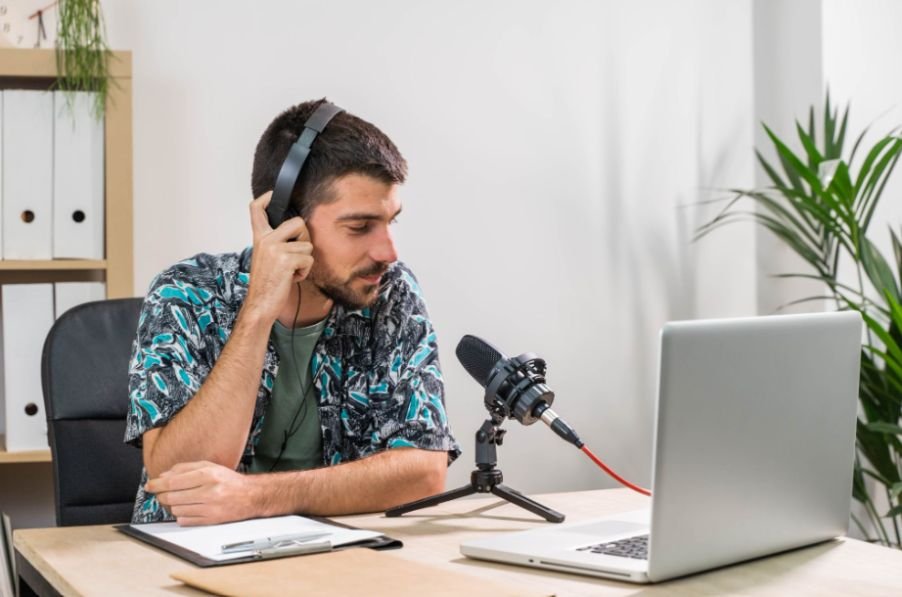
Incorrect microphone alignment can remove a surprising amount of clarity.
With a side-address condenser microphone, recording into the wrong side can make the vocal sound quieter, darker, or distant. With directional microphones, singing too far off-axis can also reduce high-frequency detail.
I always check the manufacturer’s instructions to confirm where the microphone’s active diaphragm is located.
Handheld microphones need attention too. Covering or gripping the grille can change the microphone’s intended acoustic behavior and affect tonal balance.
The best starting position is usually to aim the microphone’s active side toward the mouth, then make small angle adjustments if plosives or harsh consonants become a problem.
Can an Untreated Room Cause Muffled Vocals?
Room acoustics can dramatically affect vocal clarity.
In a small untreated bedroom or home studio, sound reflects from bare walls, ceilings, windows, desks, and other hard surfaces. The microphone captures both the direct voice and those reflections.
When reflections overlap, some frequencies become stronger while others cancel. The result may sound boxy, hollow, muddy, or distant.
Soft furnishings, curtains, rugs, acoustic panels, and strategic absorption can help reduce unwanted reflections. However, I would avoid assuming that recording inside a closet full of clothes automatically creates professional results.
Heavy absorption of high frequencies without proper low-frequency control can sometimes create an overly dull or uneven sound.
What Frequencies Should I Cut to Fix Muffled Vocals?
Low-mid buildup between roughly 200 Hz and 500 Hz is a common cause of vocal mud.
I normally listen first and then use EQ to sweep carefully through that area. If one frequency clearly makes the vocal sound congested, a subtle cut may clean it up.
A high-pass filter can also remove unnecessary low-frequency rumble. Depending on the voice, filtering somewhere around 80 to 100 Hz may provide a reasonable starting point, but I would adjust by ear rather than treating those numbers as fixed rules.
If the filter moves too high, the vocal can become thin.
After cleaning up unwanted lows and low mids, a gentle boost in the presence range or upper frequencies can improve intelligibility. The key is moderation because too much high-frequency boosting can introduce harshness, hiss, and excessive sibilance.
Can Noise Suppression Make Recorded Vocals Sound Dull?

This is an increasingly important problem in modern home recording.
Automatic noise suppression, echo cancellation, voice isolation, automatic gain control, and other audio enhancements can sometimes mistake parts of the voice for unwanted background sound.
As a result, high-frequency harmonics and subtle vocal detail may disappear.
This can happen in streaming software, communication apps, operating-system audio settings, conferencing programs, or recording applications.
If my microphone sounds natural during direct monitoring but the saved recording sounds strangely dull, I check for any automatic processing first.
Turning off unnecessary noise reduction, echo cancellation, automatic gain control, or enhancement features can help determine whether the software is altering the recording.
Why Does My Vocal Sound Clear Alone but Muffled in the Mix?
Sometimes the recording itself is not the problem.
If a vocal sounds clear when soloed but becomes muddy once the instrumental starts, frequency masking is probably contributing.
Guitars, keyboards, synths, drums, and other instruments can occupy the same frequency areas that give a vocal definition.
Instead of continuously boosting the voice, I often create space by slightly reducing competing frequencies in other instruments.
Level balance matters as well. A vocal that is simply too quiet may appear dull even when its EQ is technically fine.
Checking how the vocal translates across different playback systems is also important, especially when understanding why does my mix sound different in the car and whether the issue comes from frequency balance, monitoring, or the mix itself.
For producers working in a home setup, can I mix music with regular headphones is also an important consideration because headphones can help with detailed vocal and instrument balance when the listening environment is not ideal.
Can Compression and Reverb Make Vocals Sound Muffled?
Yes. Both can reduce clarity when used too aggressively.
Heavy compression can raise quiet room reflections, breaths, resonances, and background noise. This may make an already imperfect recording sound even more congested.
I usually apply compression gradually and compare the processed vocal with the unprocessed version.
Reverb can create similar problems. Long decay times, dark reverb tones, and high wet levels can push vocals farther behind the rest of the mix. Controlling the room itself is also important before relying heavily on reverb, which is why how to reduce echo in a bedroom studio can help with managing unwanted reflections and creating a cleaner recording environment.
Filtering unnecessary lows from the reverb and controlling its level can preserve depth without sacrificing vocal intelligibility.
How Do I Diagnose Muffled Vocals Before Using EQ?
When someone asks me Why do my recorded vocals sound muffled, I recommend starting with the completely raw recording.
Disable EQ, compression, reverb, noise reduction, pitch processing, and other plugins.
If the raw vocal already sounds muffled, investigate the microphone position, room acoustics, recording distance, mic orientation, pop filter, and recording settings.
If the raw recording sounds clear but becomes dull after processing, turn plugins back on one at a time.
If it sounds clear solo but muddy in the complete song, focus on frequency masking and mix balance.
This simple approach prevents unnecessary processing and usually reveals the actual cause much faster.
Should I Re-Record a Muffled Vocal or Fix It in the Mix?
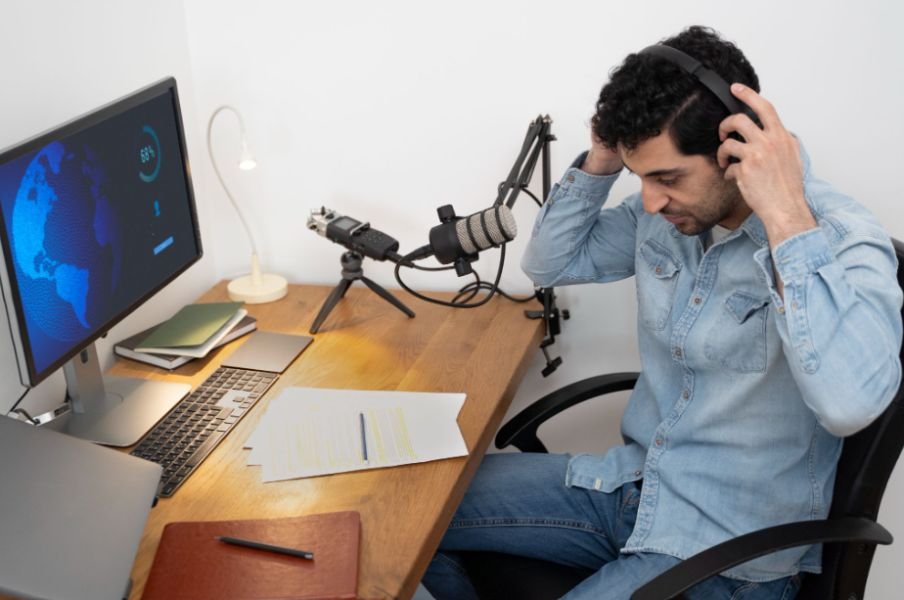
A slightly dark recording can usually be improved.
Careful EQ, moderate compression, and better balance may restore enough clarity for the vocal to sit naturally in the song.
However, severely muffled vocals caused by incorrect microphone positioning, heavy room reflections, or software processing are much harder to repair cleanly.
Whenever I can reproduce the performance, I would rather re-record a badly compromised vocal than use extreme EQ to rescue it.
Starting with a cleaner recording almost always makes the final mix easier.
Frequently Asked Questions
1. Why do my vocals sound muffled even with an expensive microphone?
An expensive microphone cannot compensate for poor positioning, room reflections, proximity effect, incorrect alignment, or unwanted software processing.
2. What frequency makes vocals sound muddy?
Excessive energy between approximately 200 Hz and 500 Hz commonly contributes to muddy or boxy vocals, although the exact problem frequency varies from recording to recording.
3. How far should I stand from my microphone when recording vocals?
Around 6 to 12 inches can be a useful starting range, but microphone type, voice, room acoustics, and performance style should determine the final distance.
4. Can a pop filter make vocals sound muffled?
A normal pop filter should have minimal impact when positioned properly. Thick foam, excessive layers, or material placed too close to the capsule may reduce some high-frequency detail.
5. Why does my vocal sound muffled after adding plugins?
Aggressive EQ, compression, noise reduction, echo cancellation, automatic gain control, or dark reverb can reduce clarity even when the original recording sounds good.
6. Can I fix muddy vocals without re-recording?
Often, yes. Mild problems may respond well to low-mid EQ cuts, high-pass filtering, better instrument separation, and reduced reverb. Severe recording problems may still require another take.
Final Thoughts
Whenever I hear a dull vocal, I try to fix the cause rather than immediately making the recording brighter. Microphone distance, proximity effect, room reflections, off-axis recording, low-mid buildup, software noise suppression, compression, reverb, and frequency masking can all create similar symptoms.
Understanding why my recorded vocals sound muffled makes it much easier to choose the correct solution. I would start with the raw recording, correct microphone and room problems at the source, and then use subtle EQ and processing only where needed.
That approach usually gives a cleaner, more natural vocal than trying to solve every problem with aggressive EQ.
Leave a Reply